01 · Export
Review your free ledger CSV
Keep rows for charges and payments. Review dates, amounts, status, description and source reference before importing them elsewhere.

Free landlord recordkeeping microguide
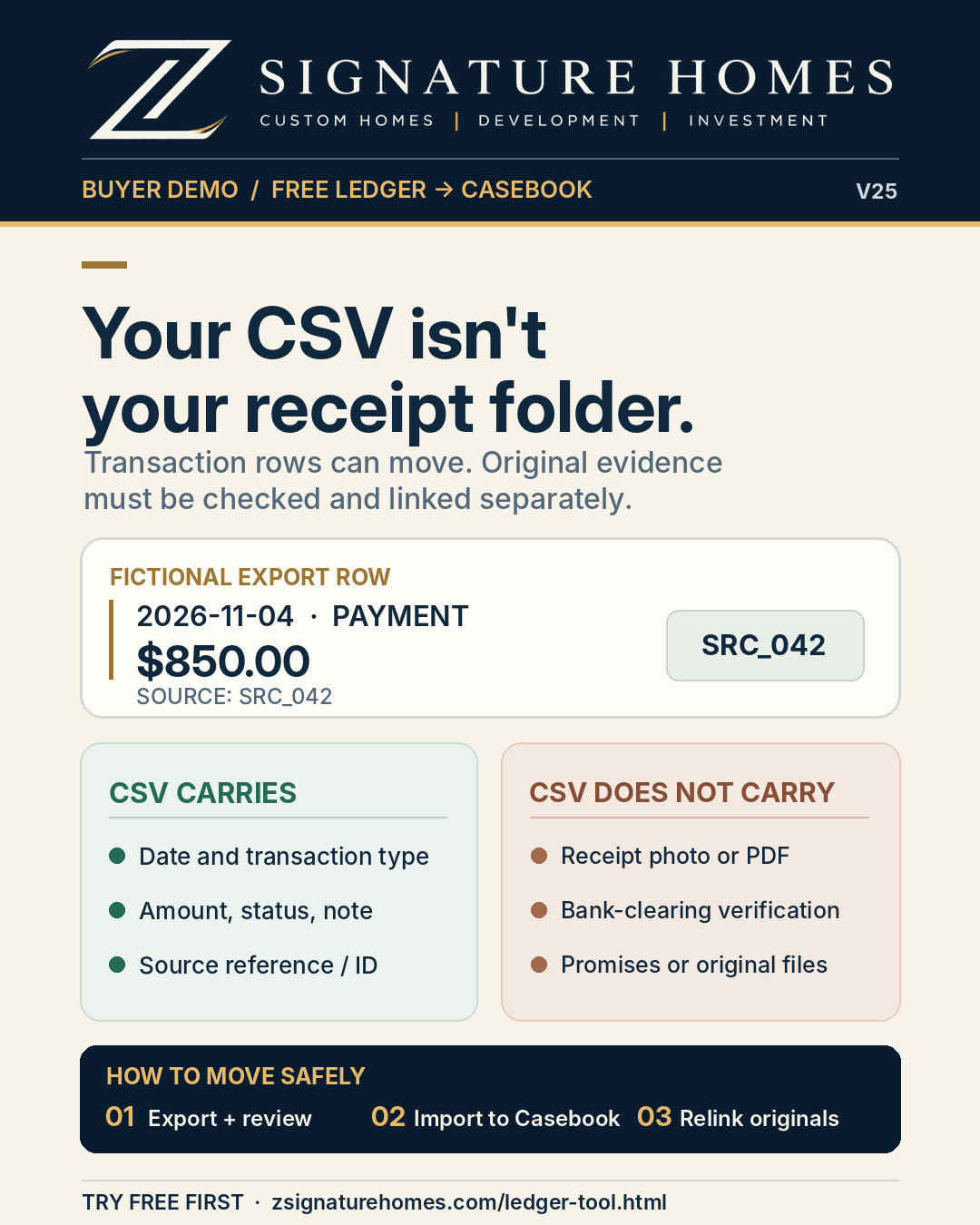
An exported ledger helps organize transactions. It does not carry the original receipt images, prove money cleared, or transfer a separate promise to pay.
Keep rows for charges and payments. Review dates, amounts, status, description and source reference before importing them elsewhere.
A source ID such as SRC_042 is only a label. Retain and verify the original receipt, bank record or PDF separately.
Distinguish a recorded payment from bank clearing and from a future promise. A Casebook-ready CSV does not automatically attach files or synchronize tools.
Reference: SRC_042. The reference does not contain or establish an original receipt. The $1,500 difference is arithmetic, not a legal finding of a collectible balance. Review any credits, corrections and source documents separately.
The free ledger can be enough for simple records. Explore the optional offline tools only after seeing what the free export includes.
Try the free rent ledger Compare tools before buying